MCP Workbench
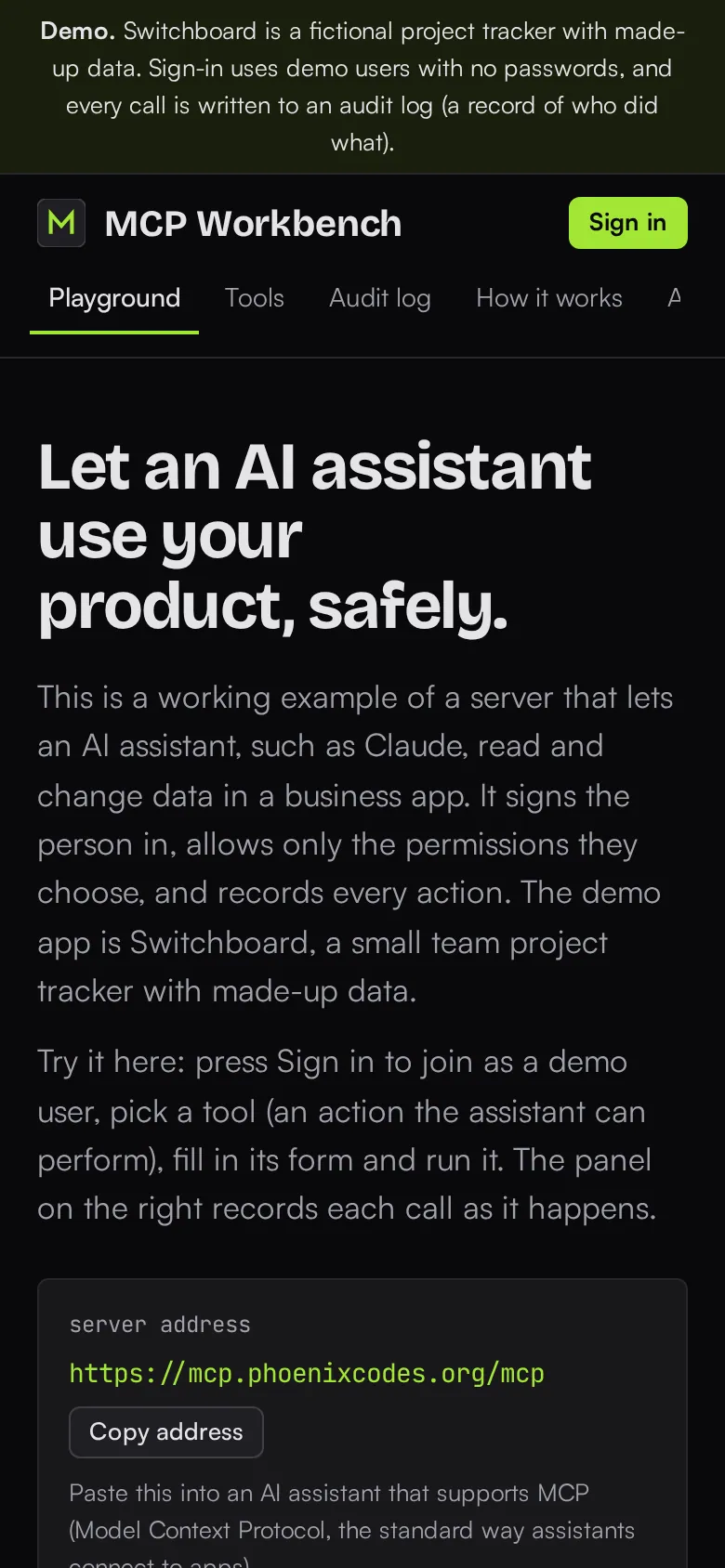
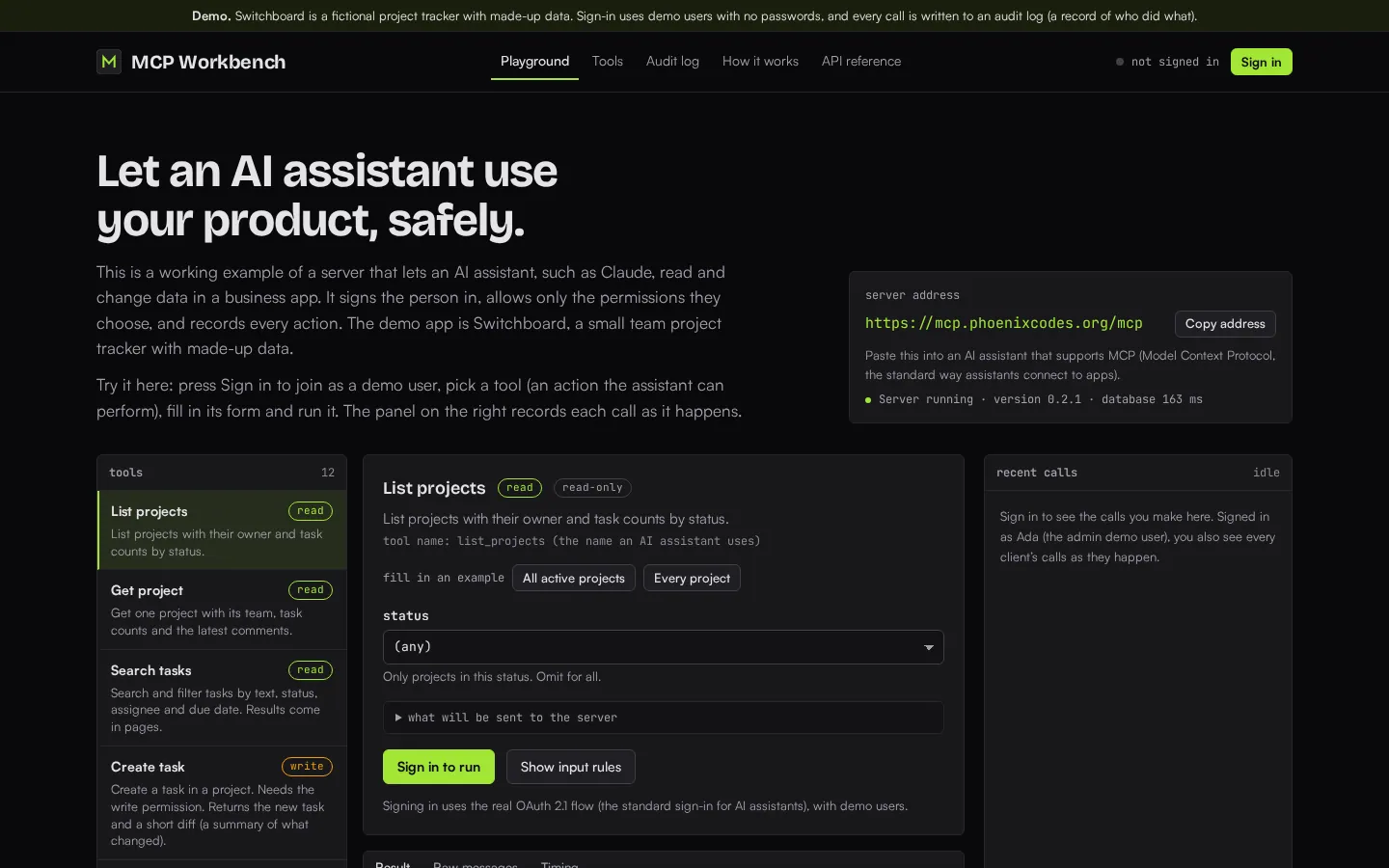
MCP Workbench is a server that lets AI assistants such as Claude use a business app safely. MCP is the standard way an assistant calls tools: here the assistant signs in as a person, gets only the permissions that person allowed, and every action it takes is recorded. You can try the twelve tools in a browser playground against a made-up project tracker.
Measured numbers
- Tests
- 208
- Browser tests
- 16
- Lighthouse performance
- 100
- Accessibility
- 100
- Best practices
- 100
- SEO
- 100
Home page, mobile. Copied from the showcase's own README on 24 October 2026.
Open the live site (opens in a new tab) mcp.phoenixcodes.org
On a phone
At desktop width
What it proves
- Real OAuth 2.1 sign-in with PKCE, not a shared API key.
- Twelve tools with checked inputs and permission scopes, and a clear structured error when a call is denied.
- Every call is written to an audit trail you can watch live.
- Rate limits, and a conformance suite that drives the real server with the official MCP client.
How this adapts to your project
Put the same front door in front of your own API: your tools, your sign-in provider, your permission names. The audit trail and rate limits carry over unchanged, and the playground gives your team a place to try it before an assistant touches production.