Inbound Triage
Inbound Triage reads incoming emails, web forms and demo requests for a made-up agency and sorts each one by intent, urgency and language. It scores the lead, writes a draft reply, and waits for a person to approve it unless the score is high enough. Every run shows its eight steps, retries the ones that fail, and saves the result to a practice CRM, with the whole pipeline exportable as an n8n workflow.
Measured numbers
- Tests
- 385
- Browser tests
- 4
- Lighthouse performance
- 97
- Accessibility
- 100
- Best practices
- 100
- SEO
- 100
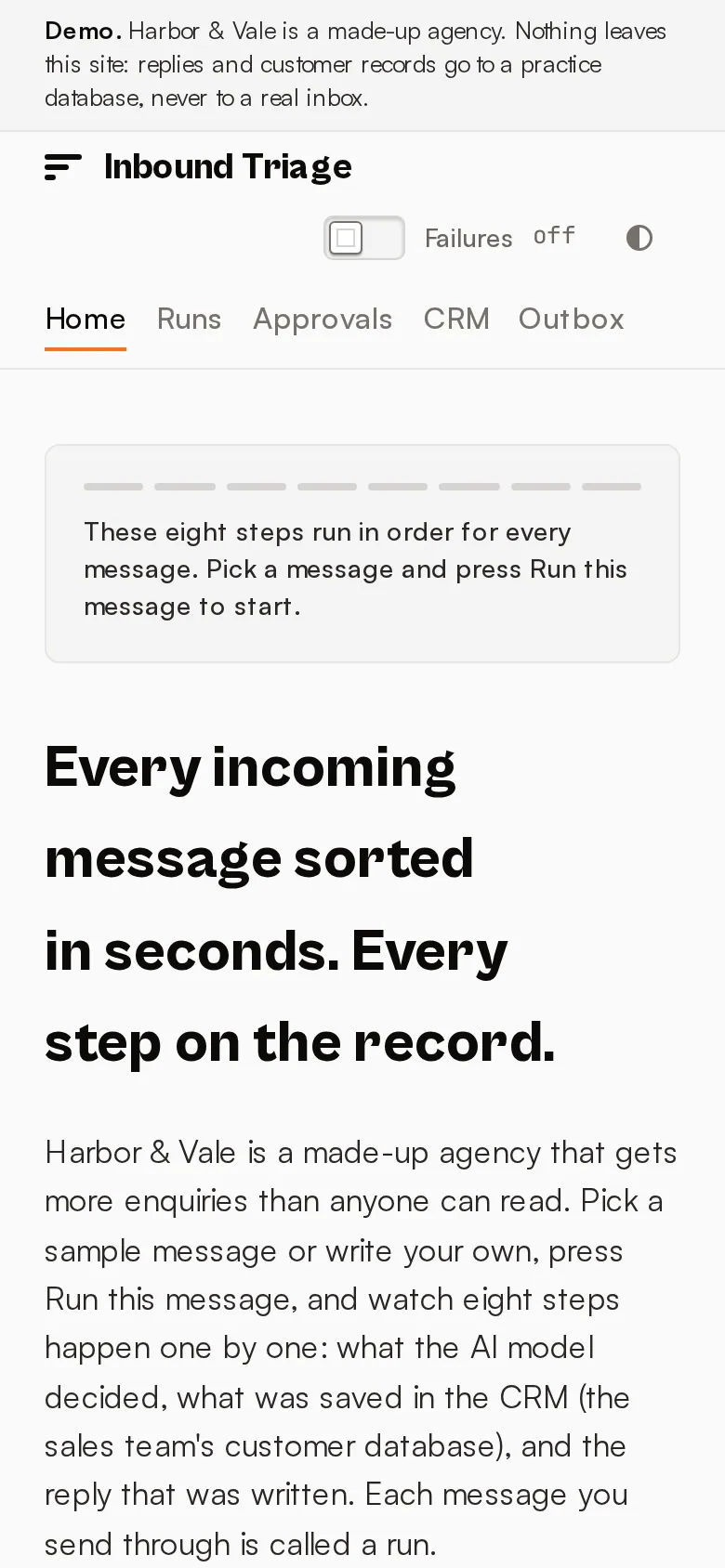
Home page, mobile. Copied from the showcase's own README on 24 October 2026.
Open the live site (opens in a new tab) triage.phoenixcodes.org
On a phone
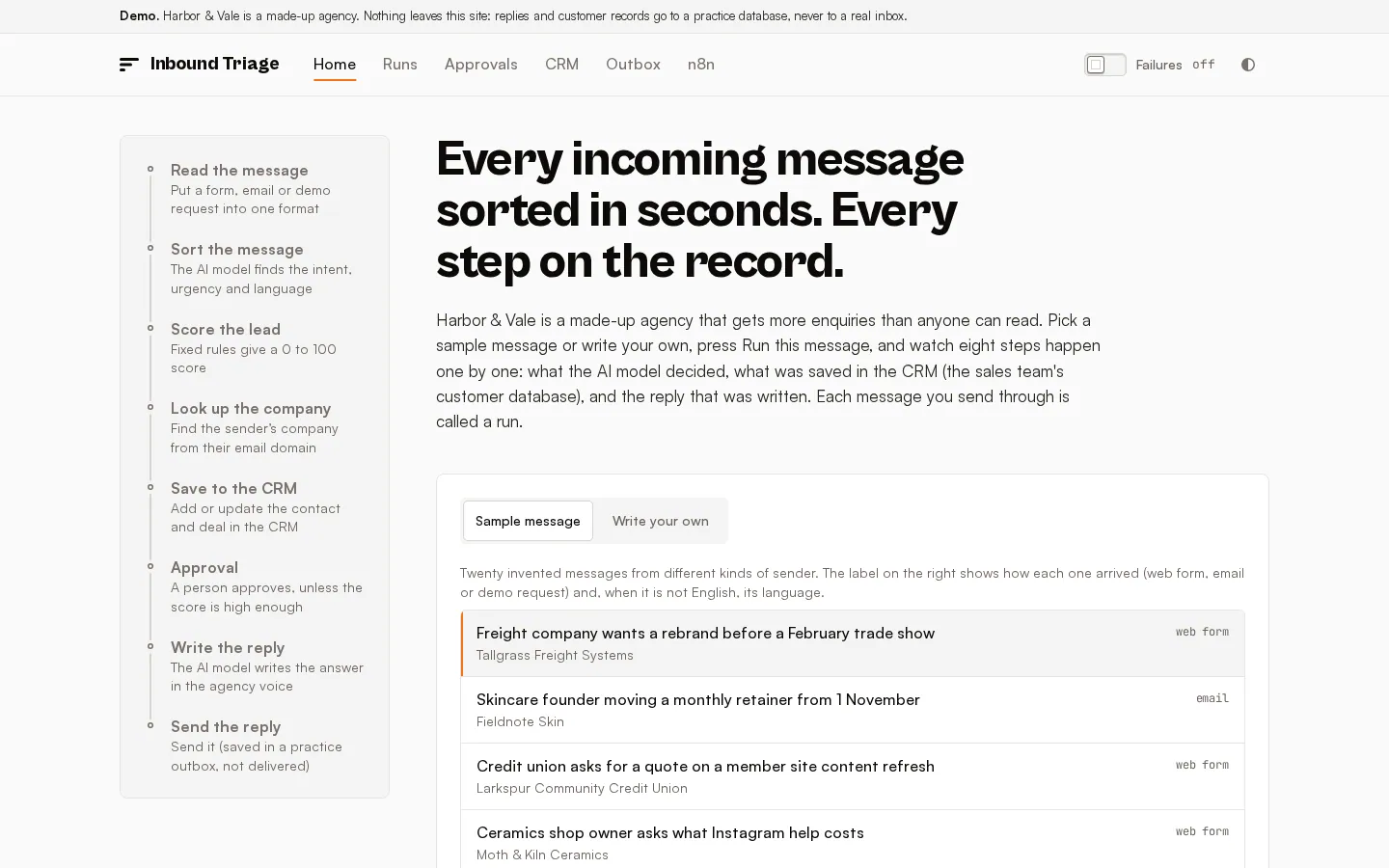
At desktop width
What it proves
- A multi-step AI workflow with a visible record of every step, not a single prompt.
- Failures are handled: steps retry, give up cleanly and can be restarted from the step that failed.
- A person stays in the loop where it matters, through an approval inbox.
- The pipeline exports as n8n JSON and has a documented OpenAPI 3.1 interface.
How this adapts to your project
Swap the made-up agency for your own inbox and forms, and the practice CRM for HubSpot, Salesforce or Pipedrive. The scoring rules are plain code you can tune, and the approval threshold decides how much a person reviews.