Clause Desk
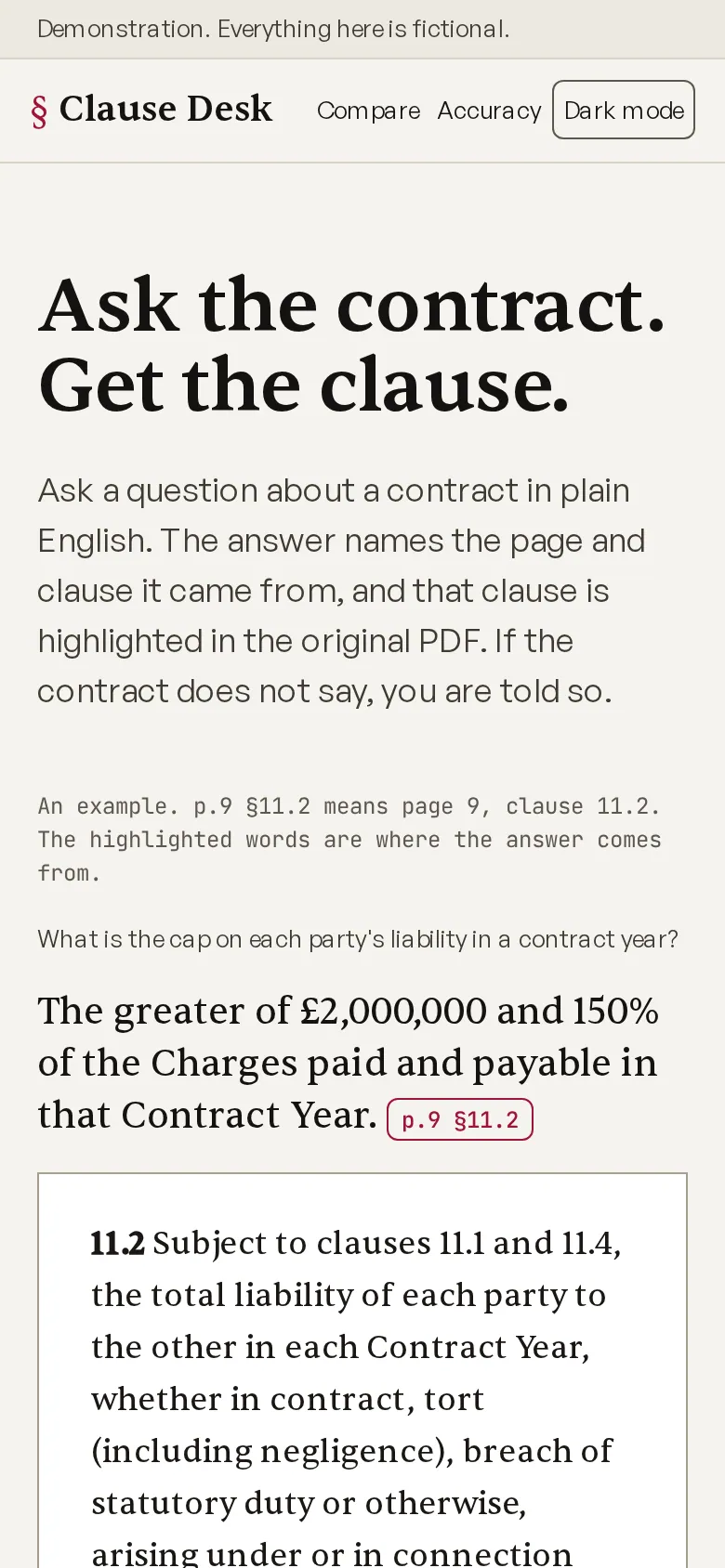
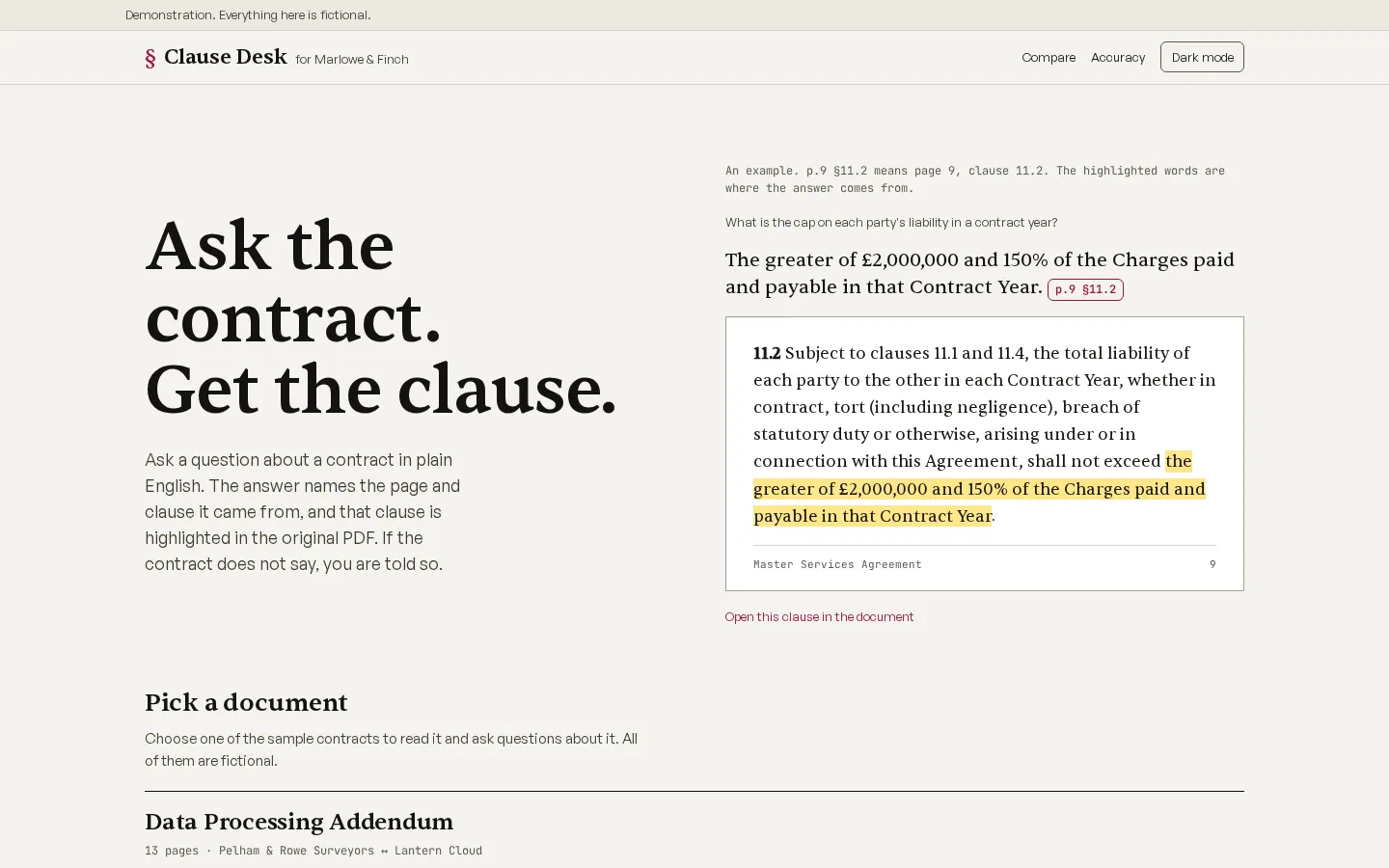
Clause Desk lets you ask a plain-English question about a contract and returns an answer that names the page and clause it came from. That clause is highlighted in the original PDF, and if the contract does not say, you are told so. You can also compare two documents, upload your own, export the result, and see how the system scores on a set of questions with known answers.
Measured numbers
- Tests
- 531
- Browser tests
- 54
- Lighthouse performance
- 96
- Accessibility
- 100
- Best practices
- 100
- SEO
- 100
Home page, mobile. Copied from the showcase's own README on 24 October 2026.
Open the live site (opens in a new tab) clauses.phoenixcodes.org
On a phone
At desktop width
What it proves
- Answers carry clause-level citations that open at the exact place in the source PDF.
- Hybrid retrieval, which combines keyword and meaning search, is measured against a gold set of labelled questions.
- The system says when the contract is silent instead of inventing an answer.
- Document comparison and your own uploads work, with PDF parsing handled on the server.
How this adapts to your project
Load your own agreements, policies or tenders and the same pipeline cites your clauses. The gold set becomes your acceptance test: you write the questions a lawyer would ask, and the scorecard shows whether the system gets them right before anyone relies on it.